Quantix + Uber Eats
Direct POS injection for Uber Eats orders — auto-accept, live menu sync, and kitchen station routing.
Connect your Uber Eats store directly to Quantix POS. Orders fire to your kitchen automatically, menus sync in real-time, and daily revenue reconciles cleanly.
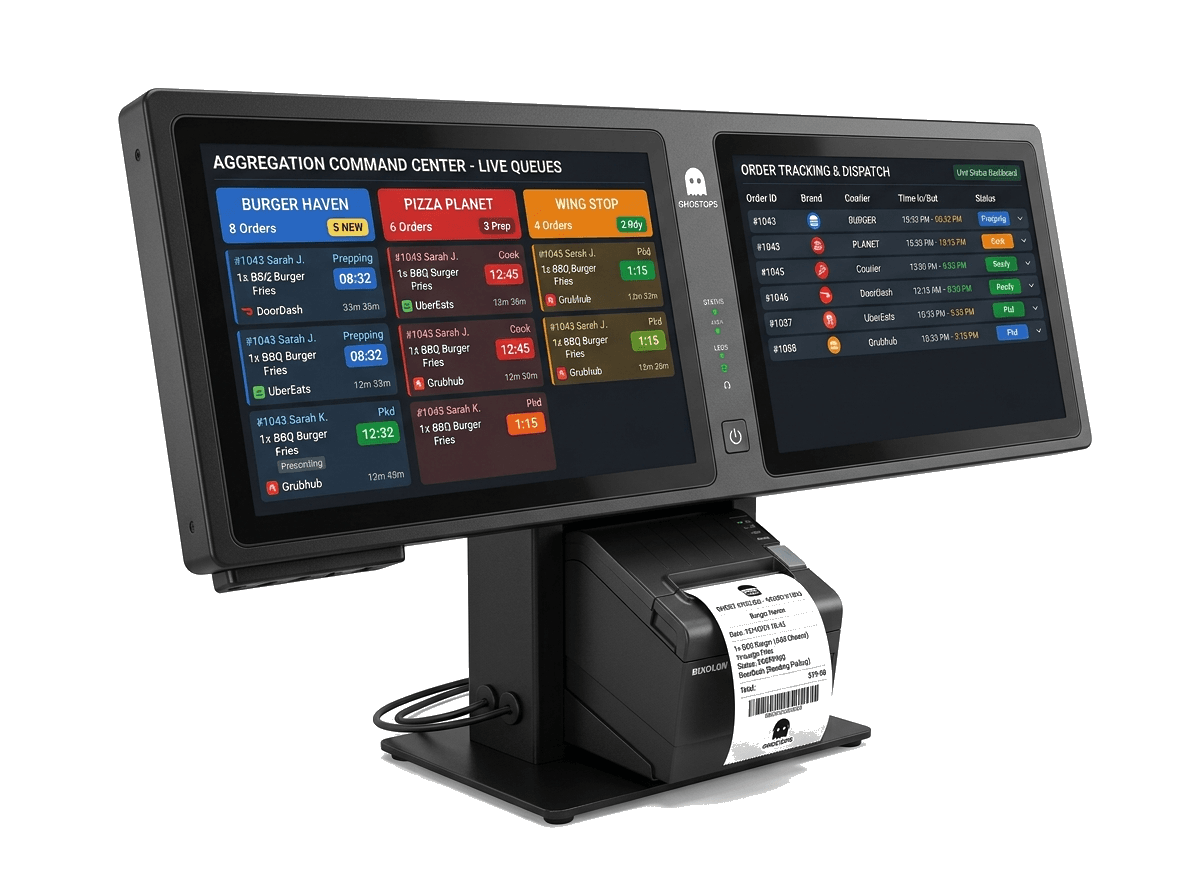

What You Get With Uber Eats
Full enterprise feature breakdown of the Quantix + Uber Eats integration.
Direct POS & KDS Routing
Incoming Uber Eats orders route straight to your POS register and kitchen displays without manual re-entry.
Live Menu & 86 Item Sync
Mark items out of stock in Quantix and they disappear from your Uber Eats menu within seconds.
Driver ETA Display
See courier arrival estimates on your POS and KDS screens to pace food preparation perfectly.
Auto-Accept Rules
Configure rules to auto-confirm orders based on prep time estimates and kitchen capacity.
Dynamic Prep Times
Adjust prep times dynamically during rush periods to manage delivery expectations.
Unified Z-Reports
Uber Eats sales, taxes, and commissions are itemized clearly on your daily closing reports.
How to Connect Uber Eats
Get up and running in 4 simple steps. Most locations go live in under 10 minutes.
Authorize Uber Eats Connection
Log in with your Uber Eats Restaurant Manager account from Quantix Settings → Integrations.
Map Menu Categories
Confirm category and item mappings between Quantix and Uber Eats. Modifier groups map automatically.
Enable Kitchen Routing
Choose which KDS stations and ticket printers receive Uber Eats orders.
Go Live
Orders start flowing directly into your POS and kitchen screens. Monitor live orders in real-time.
Frequently Asked Questions
Have questions? We're here to help. Can't find what you're looking for? Contact our team
Still have questions? Speak with an Enterprise Specialist
Ready to Run Every Location From One Unified Platform?
Connect your POS terminals, inventory ledger, kitchen dispatch, and real-time sales across 1 to 500+ outlets. Zero migration risk with dedicated white-glove onboarding.